
Models: 2450, 3450, 4450, 5450, 6450, 6450PD, 6450HC, 8450, & 8450HC
Rheem Heat pumps can only be controlled using legacy Fireman Switch/Dry Contact connections. This connection type allows The Attendant to control the heat pumps on/off state to manage the desired water temperature set point.
Heat Only Models
Connect a two-wire 22 AWG conductor cable to the terminals: 44 (Com) & 46 (Spa) terminal on the Rheem Heat Pump board.
Connect the other end of the cable to an open heater port on The Attendant.

On the Heat Pump press and hold the UP and DOWN buttons for 3 + seconds to enter the Remote Mode.
When in the Remote Mode, the maximum set point is the SPA MAX TEMP (104°F (40°C) Default).
The digital board will default to the OFF mode allowing the user to select the appropriate mode under local control.
NOTE: When The Attendant has a HEAT command, the heat pump will be in SPA mode. When The Attendant controller does not have a HEAT command the heat pump is in the OFF mode.
Programming
Once in installer mode, go to the Devices tab and press the + button. From the Add Device screen, select Heat Pump.
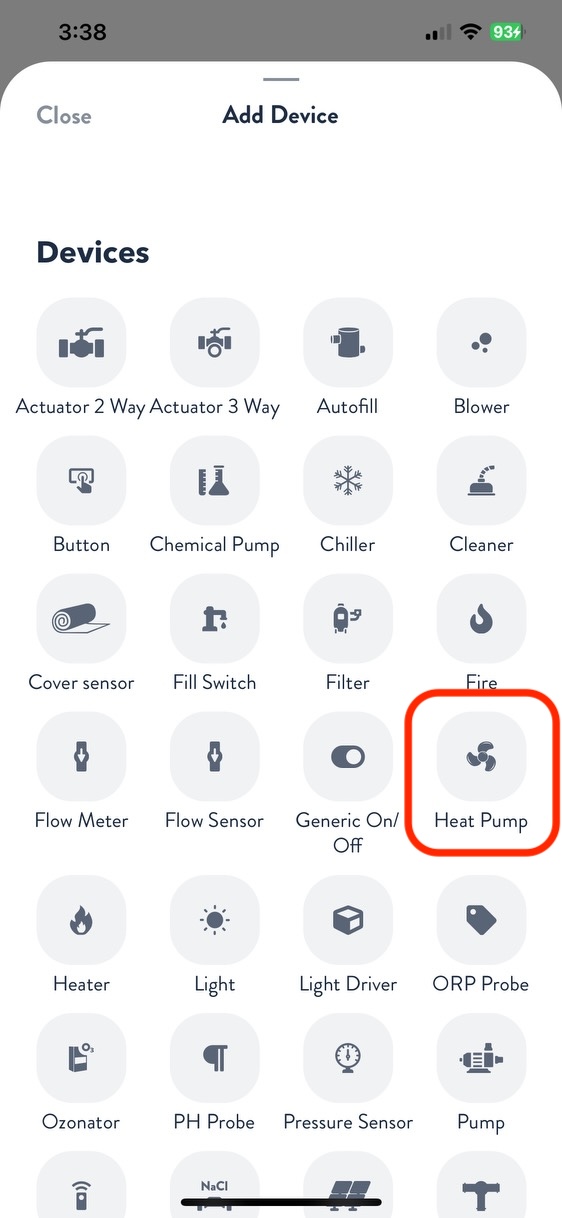
Rename the heat pump, then choose Raypak as the brand and select the applicable model number.

Next, choose the port type and number for Heating. Adjust the minimum and maximum operating ambient temperature to match the heater specifications. Press Apply, then navigate to the Flows tab and assign your heater to the appropriate flow. When finished, press Apply and Save.
Your Rheem Heat Pump is now wired, programmed, and ready to use!
Heat/Cool Models
Connect a three-wire 22 AWG conductor cable to the terminals: 44 (Com), 45 (Pool) & 46 (Spa) terminal on the Rheem Heat Pump board.
Connect the other end of the cable following the diagram below. You will need to splice 44 (Com) between two heater ports on The Attendant. We recommend using a small jumper wire. Take note as to where you connected 45 & 46, as those will be important when programming heat and cool modes in The Attendant.

On the heat pump, set the Pool Cool to minimum cooling temperature in the INSTALLER menu. Set Spa to the maximum heating temperature. The control will use this value as the Heating setpoint and the Cooling setpoint.
Press and hold the UP and DOWN buttons for 3 + seconds to enter the Remote Mode.
Programming
Once in installer mode, go to the Devices tab and press the + button. From the Add Device screen, select Heat Pump.
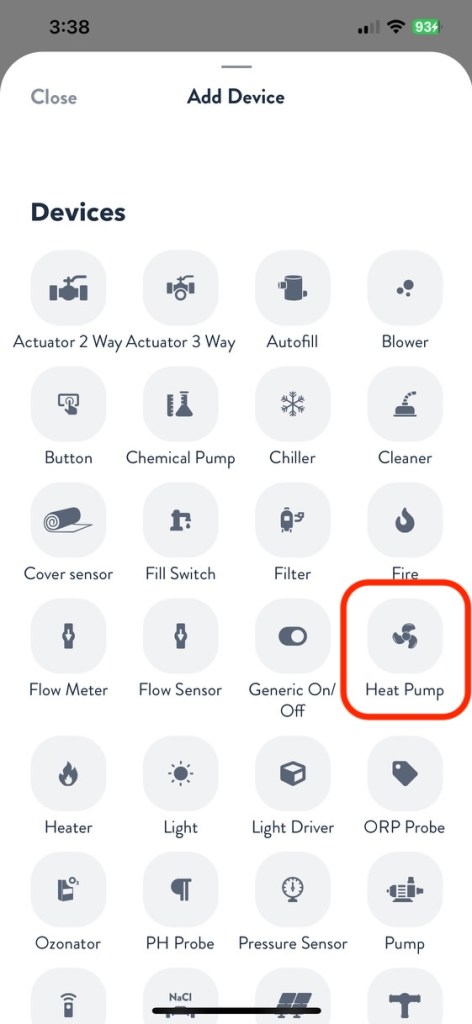
Rename the heat pump, then choose Raypak as the brand and select the applicable model number.

Next, choose the port type and number for both Heating and Cooling. Adjust the minimum and maximum operating ambient temperature to match the heater specifications. Press Apply, then navigate to the Flows tab and assign your heater to the appropriate flow. When finished, press Apply and Save.

Your Rheem Heat Pump is now wired, programmed, and ready to use!